
You finished the audit. Now what?
Picture this: you’ve spent three hours pulling data across every account your brand owns. You have a spreadsheet with 47 tabs, a color-coded follower count history, and a column labeled “notes” that says “investigate later” fourteen times. You close the laptop feeling productive. Two weeks pass. The spreadsheet sits in a folder called “Q2 Strategy” next to six other folders also called “Q2 Strategy.”
This is how most social media audits end. Not with a decision, but with documentation.
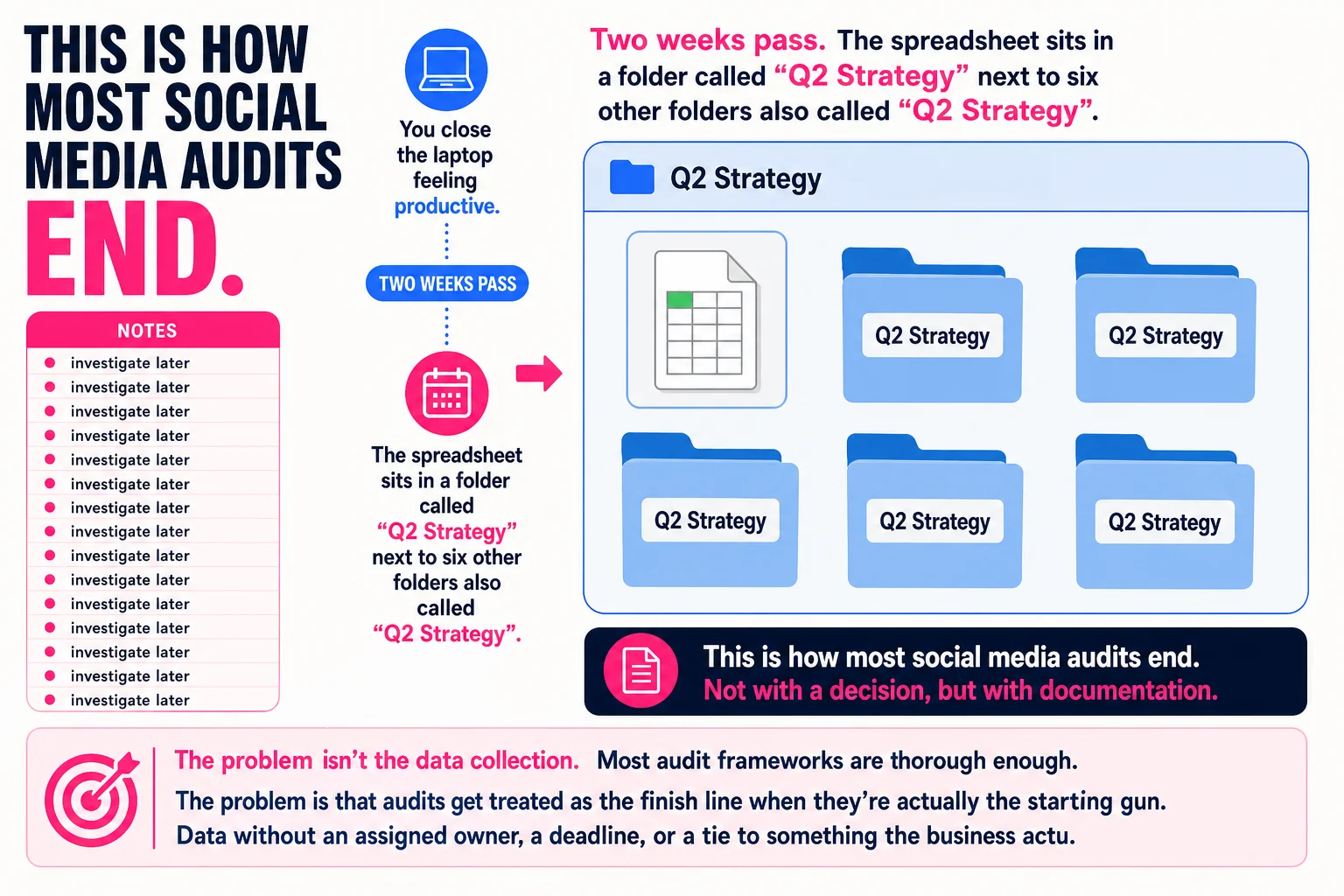
The problem isn’t the data collection. Most audit frameworks are thorough enough. The problem is that audits get treated as the finish line when they’re actually the starting gun. Data without an assigned owner, a deadline, or a tie to something the business actually measures tends to age quietly in cloud storage.
This guide skips the inventory lecture. Every section is about a decision you have to make and what it costs you to make it wrong.
Three questions your audit should answer before you open a single spreadsheet
The goal of a social media audit isn’t to collect everything. It’s to answer three questions that determine what you do next.
First: where is your time actually going, and is anything coming back from it? This means looking at which platforms you’re actively managing and whether they produce any result you can trace, whether that’s traffic, leads, replies, or sales. If you can’t name the result, that’s already information.
Second: what content is working, and does it connect to anything you care about? A post with 4,000 impressions and zero clicks is not the same as a post with 400 impressions and 40 clicks to a product page. The difference matters more than the raw number, but most audits treat both as wins.
Third: what would you stop doing if you had to cut one platform tomorrow? This is the question most audits never get to, because they stop at documentation. But it’s the most clarifying thing you can ask. If the answer is “I honestly don’t know,” the audit hasn’t given you enough signal yet.
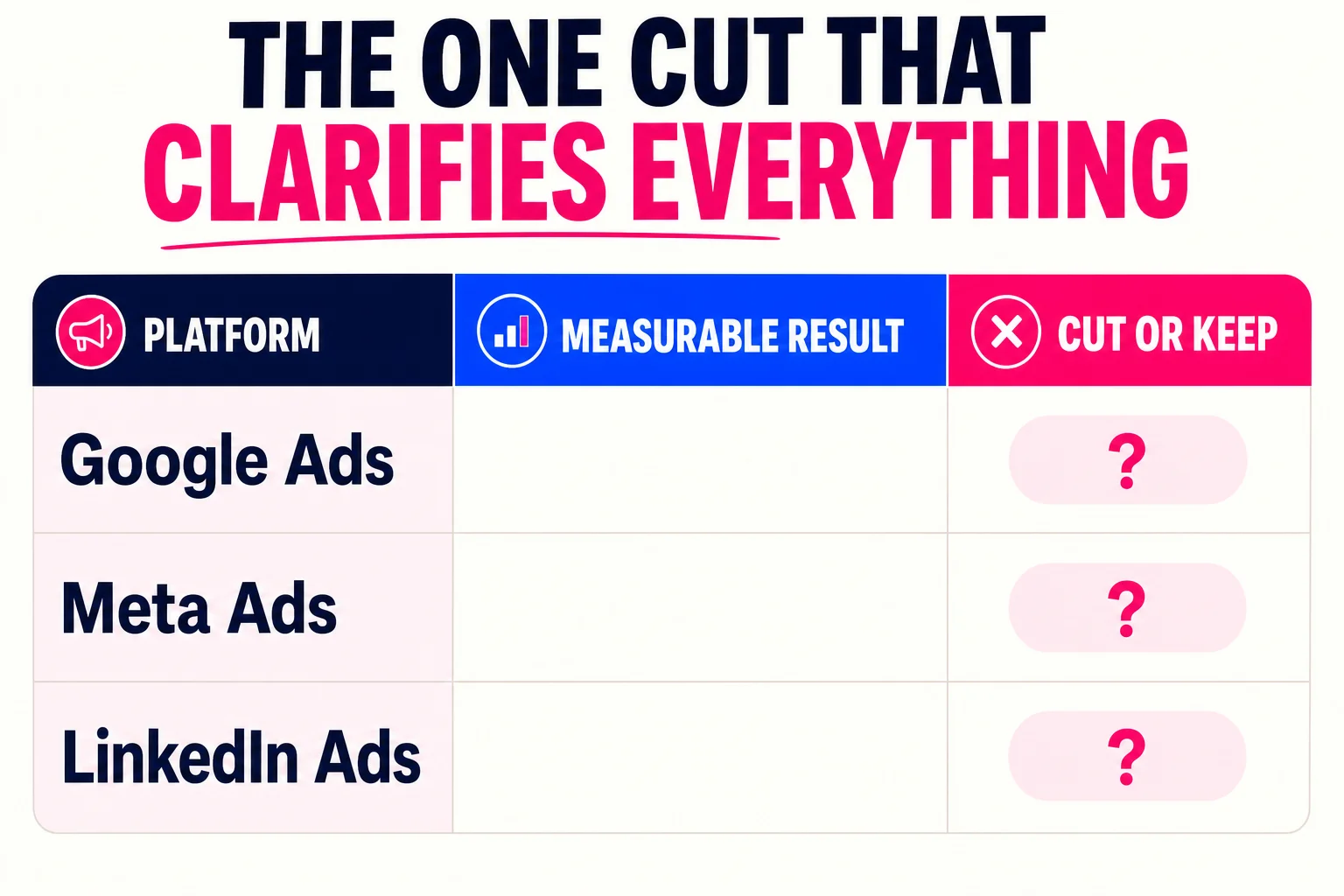
The tradeoff between thorough data collection and useful signal is real. More data feels safer because it delays the decision. But an audit that answers these three questions with rough accuracy will move you faster than one that answers forty questions precisely and leaves you paralyzed.
Measure these things, skip the rest
Most audit templates hand you a list of twenty metrics and leave you to figure out which ones matter. Here’s a shorter, more honest version.
Tier 1: Measure these every time. Engagement rate (interactions divided by reach, not by followers), referral traffic from social channels to your site, and conversion rate or ROAS if you’re running paid. These three have the clearest line to revenue. Sprout Social’s metric framework and Databox’s practitioner survey both put engagement rate and referral traffic at the top, and around 60% of marketers in the Sprout data treat conversion rate as their highest-priority number. Spend most of your audit time here, roughly 70-80% of it.
Tier 2: Check these if they’re quick to pull. Posting consistency (are there silent weeks?), reply rate on comments, and click-through rate on individual posts. Buffer’s data suggests that replying to comments lifts reach meaningfully across platforms, so it’s worth a glance. But don’t let these eat your Tier 1 time.
Tier 3: Skip unless you have an hour to kill. Follower count, total impressions, and raw likes. The case against vanity metrics is simple: they can rise while your business outcomes fall, which makes them actively misleading.
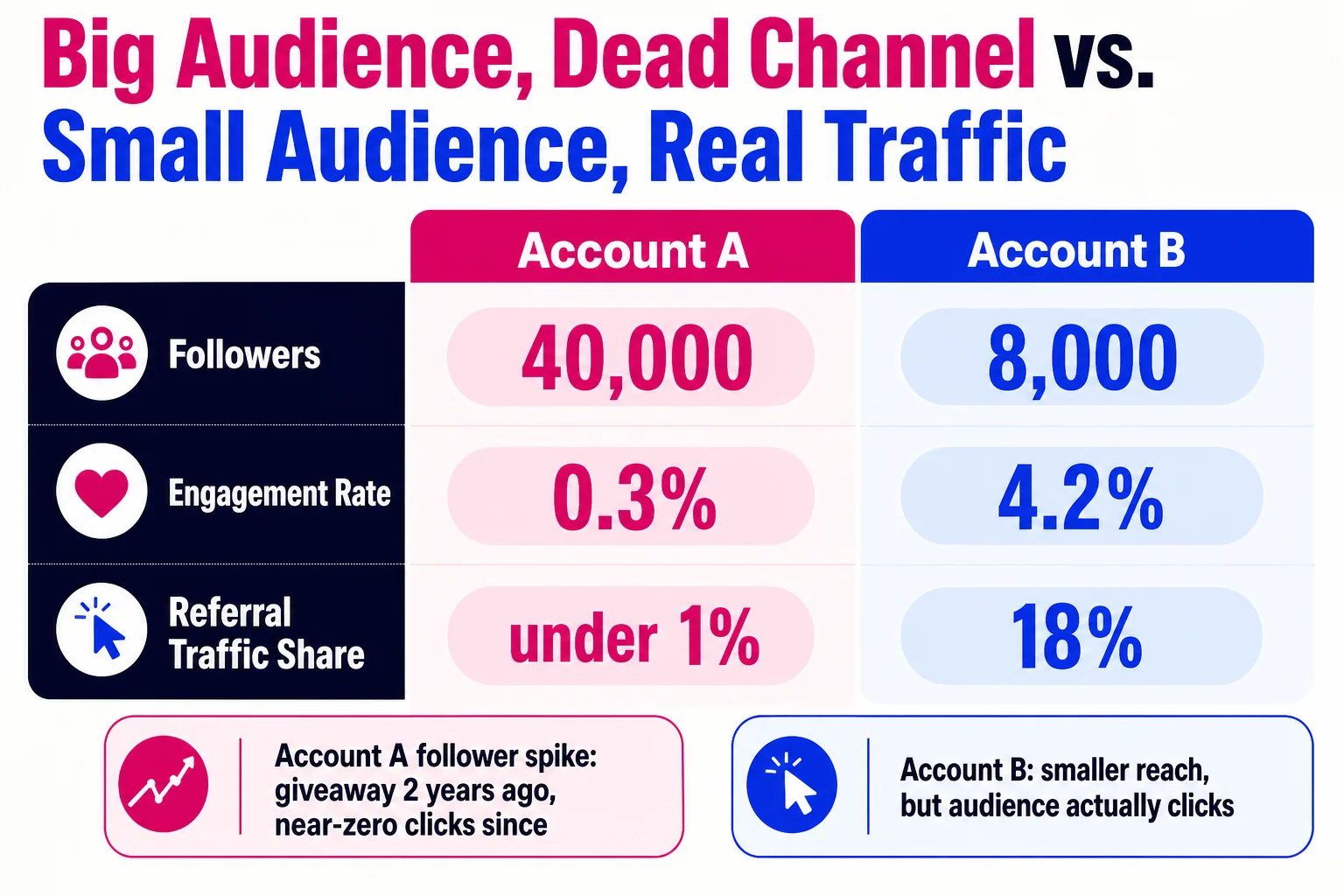
Here’s the concrete example of why this matters. A retail brand with 40,000 Instagram followers and a 0.3% engagement rate looks healthy until you check referral traffic and find social drives less than 1% of their site visits. The follower count grew because of a giveaway two years ago. Almost none of those followers ever clicked anything. The metric looked good and masked a dead channel.
Impressions without context have the same problem. A post can rack up 50,000 impressions through paid amplification and generate nothing. The impression number tells you the content existed. It does not tell you whether anyone cared.
Keep, pause, or cut: stop stalling and decide
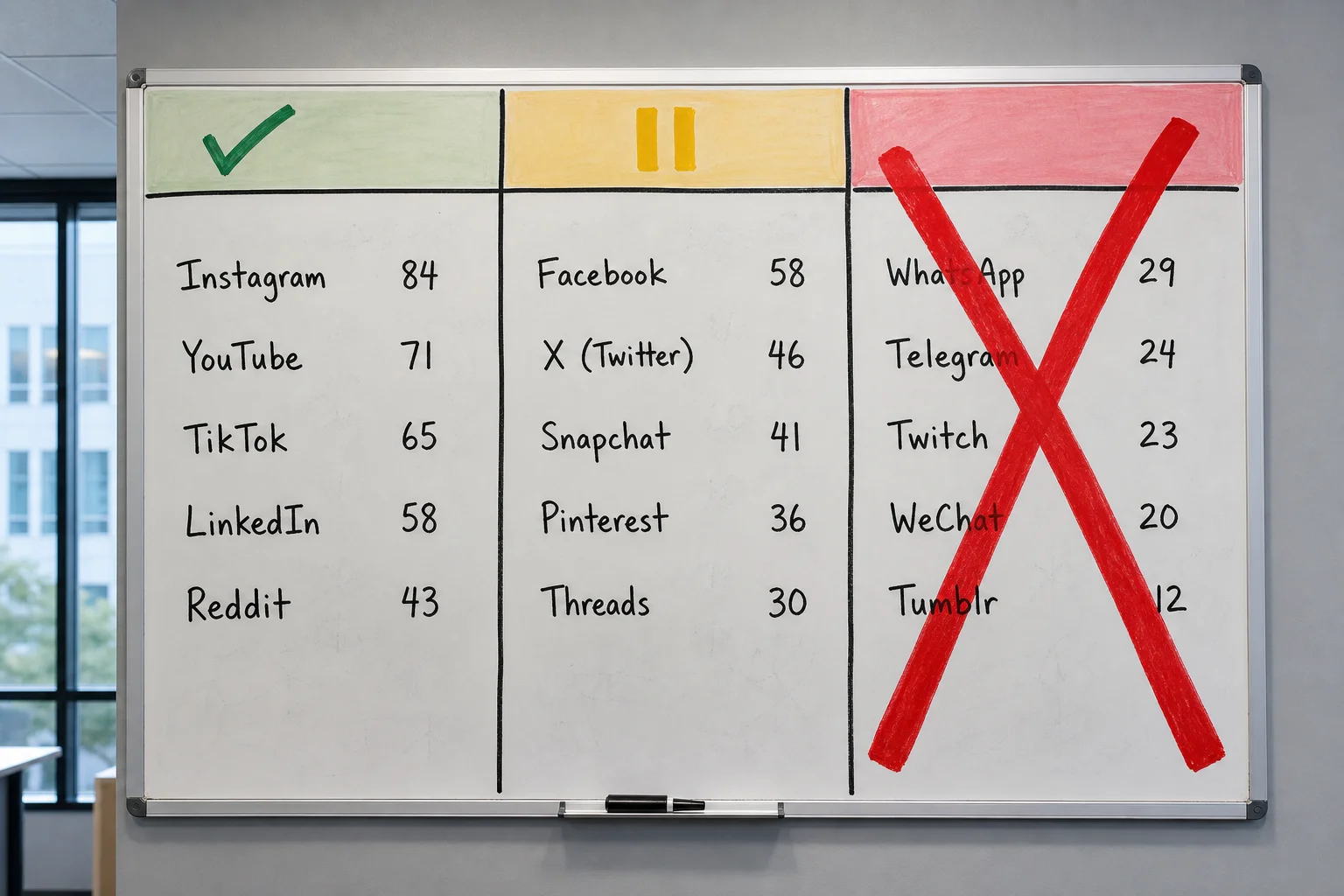
Once you have Tier 1 data across 12 months, your audit is asking you to do exactly one thing: allocate differently. Every platform either earns continued investment, a holding pattern, or a clean exit. Score each platform 1 to 10 across four weighted criteria: reach, engagement rate, CTR, and conversions, with conversions carrying around 40% of the weight. Above 70 total, you keep it. Between 40 and 69, you pause it. Below 40, you cut it.
That last category is where most teams freeze. They remember the hours spent building an audience, the three-month approval process, the colleague who “owns” that channel. Cut it anyway. Hootsuite’s audit data suggests roughly 62% of brands that dropped one or two low-performing platforms saw efficiency gains around 25%. The emotional cost of cutting is real but one-time. The cost of maintaining a dead channel is recurring.
Pausing is genuinely useful. Post nothing new, check performance once a quarter, redirect that budget to platforms scoring above 70. Time savings land somewhere between 50 and 70 percent compared to active management.
The content decision follows the same logic. If a format is hitting more than double your platform’s median engagement rate and converting, make more of it. Buffer’s content format analysis consistently shows short-form video and carousels outperforming static image posts across most platforms. Below median after 30 days of consistent posting, it goes to pause or cut.
Concrete example: a B2B software company posts static graphics and short explainer videos on LinkedIn. The videos average 3.1% engagement against a 1.4% platform median. The graphics sit at 0.8%. Stop producing the graphics, redirect that time toward video. Not because video is inherently better everywhere, but because this specific account on this specific platform says so.
More platforms means more surface area for discovery and thinner attention on each one. For most teams with fewer than three people on social, fewer channels done well beats six channels done poorly.
Four ways a good audit quietly dies
Knowing what to measure is only half the problem. Here’s where most teams lose the work they just did.
Comparing the wrong time periods. Pulling Q3 this year against Q2 last year and wondering why numbers look off is a comparison problem, not a performance problem. Seasonality affects platforms differently, so compare October to October, ideally across two prior years, before drawing any conclusions about whether something is working.
Blaming seasonality when the real problem is something else. Slow months are real, but they can also mask campaign fatigue, posting frequency drops, or tracking gaps. If you label a dip “seasonal” without checking those variables first, you carry a broken strategy into the next quarter with a clean conscience.
No owner on the findings. Audits without assigned owners stall. If the action items live in a shared doc with no names or deadlines attached, they will still be there in six months, untouched. Every finding that requires action needs one person’s name next to it.
Treating it as a one-time event. A single annual audit misses campaign-driven spikes and year-over-year shifts that only show up in recurring data. Sprout Social recommends quarterly for most teams; monthly if you post at high volume.
If you recognized your team in any of those, the 30-day plan below is where you fix it.
Turn audit findings into a working calendar, one week at a time
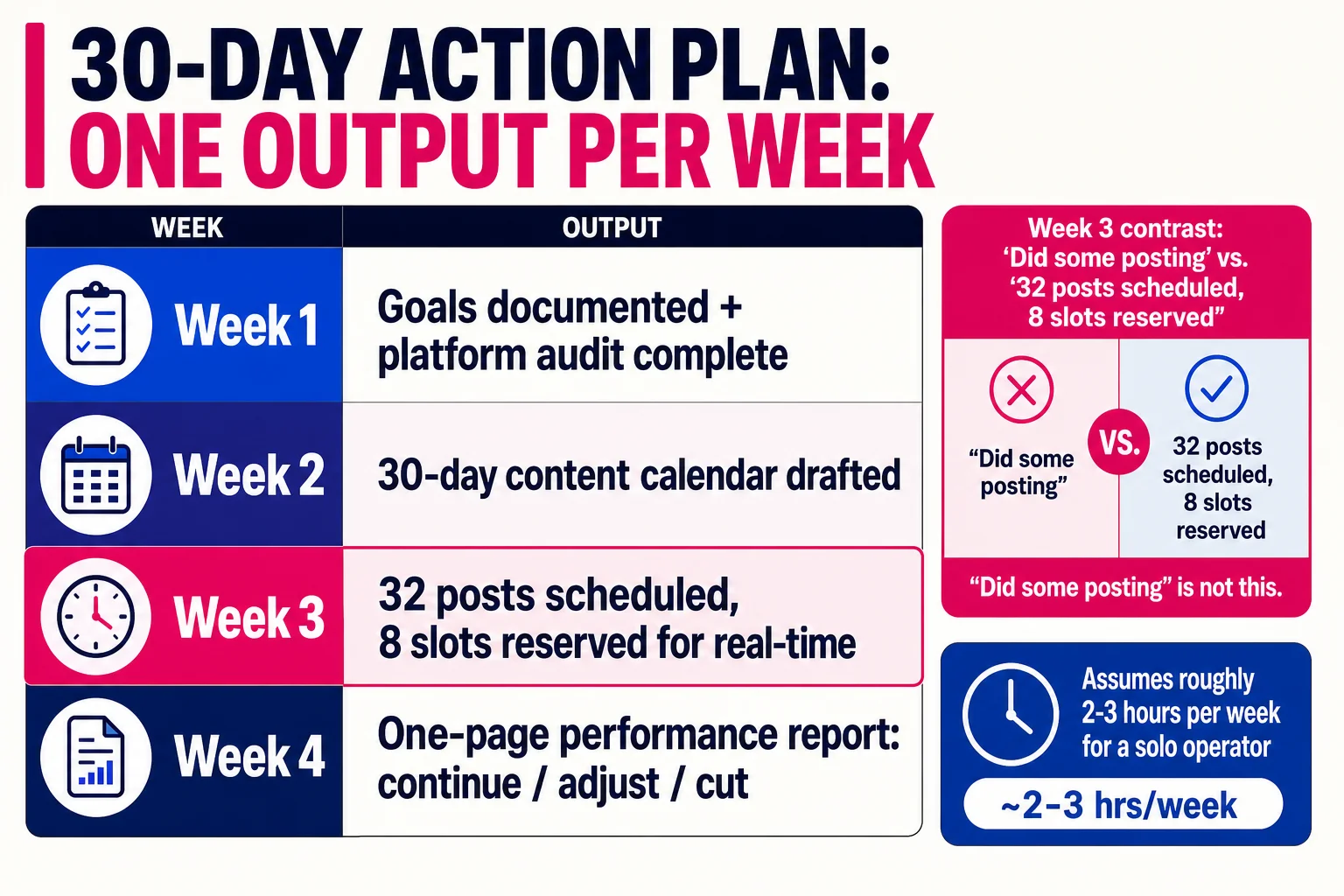
This plan runs about 2-3 hours per week for a solo operator. On a team, split the tasks but keep one owner per week’s output.
Week 1 output: a one-page goals matrix. List 3-5 goals, the metric for each, and your current baseline. If you can’t name a baseline, that’s your first task.
Week 2 output: a populated 30-day content calendar with content types assigned to posting slots and a content-mix ratio, something like 60% educational, 30% promotional, 10% personal. The ratio matters less than having one.
Week 3 output: 80% of your content drafted and scheduled. Batch captions and visuals in one or two sessions, load them into your scheduler, and reserve about 20% of slots for real-time posts.
Week 4 output: a one-page performance report comparing results to your Week 1 baselines, with explicit go/no-go calls on what to continue, adjust, or cut.
“Did some posting” is not a Week 3 output. “32 posts scheduled, 8 slots reserved for real-time” is.
Here’s how you tell if 30 days of work actually moved the needle
Pull your Week 1 baseline numbers and compare them to now. You’re looking for a 10-20% lift in at least two of these four metrics: engagement rate per post, follower growth, reach per post, and click-through rate. A 25% or better engagement rate improvement is a clear win. Reaching platform medians counts too: Instagram above 0.6%, TikTok above 3.5%, LinkedIn above 3.5%.
If two or more metrics moved, the audit worked. If nothing moved, the checklist wasn’t the problem. Go back to section 3 and start there.
References
- Harvard Business Review: Conducting a social-media audit — Harvard Business Review
- Sprout Social: Social media metrics that matter — Sprout Social
- University of Rochester: Measuring success in social media — University of Rochester
- Hootsuite: Social media benchmarks — Hootsuite
- Rival IQ: Social media industry benchmark report — Rival IQ