
The problem isn’t ChatGPT. It’s what you’re asking it.
Most marketers using ChatGPT for marketing are getting mediocre output and quietly assuming the tool is overhyped. The copy sounds generic. The campaign ideas feel like they were written for a company that could be anyone. The email subject lines are fine, technically, but you’d never actually send them.
The tool isn’t broken. The prompts are.
Why ChatGPT marketing output feels off almost always traces back to the same root cause: the model was given no context about the brand, the audience, the competitive situation, or the goal. Ask it to “write a product description for our SaaS tool” and it will write one. It just won’t write yours. It’ll write a product description for a hypothetical SaaS tool that exists somewhere in the statistical average of every SaaS product it’s ever seen.
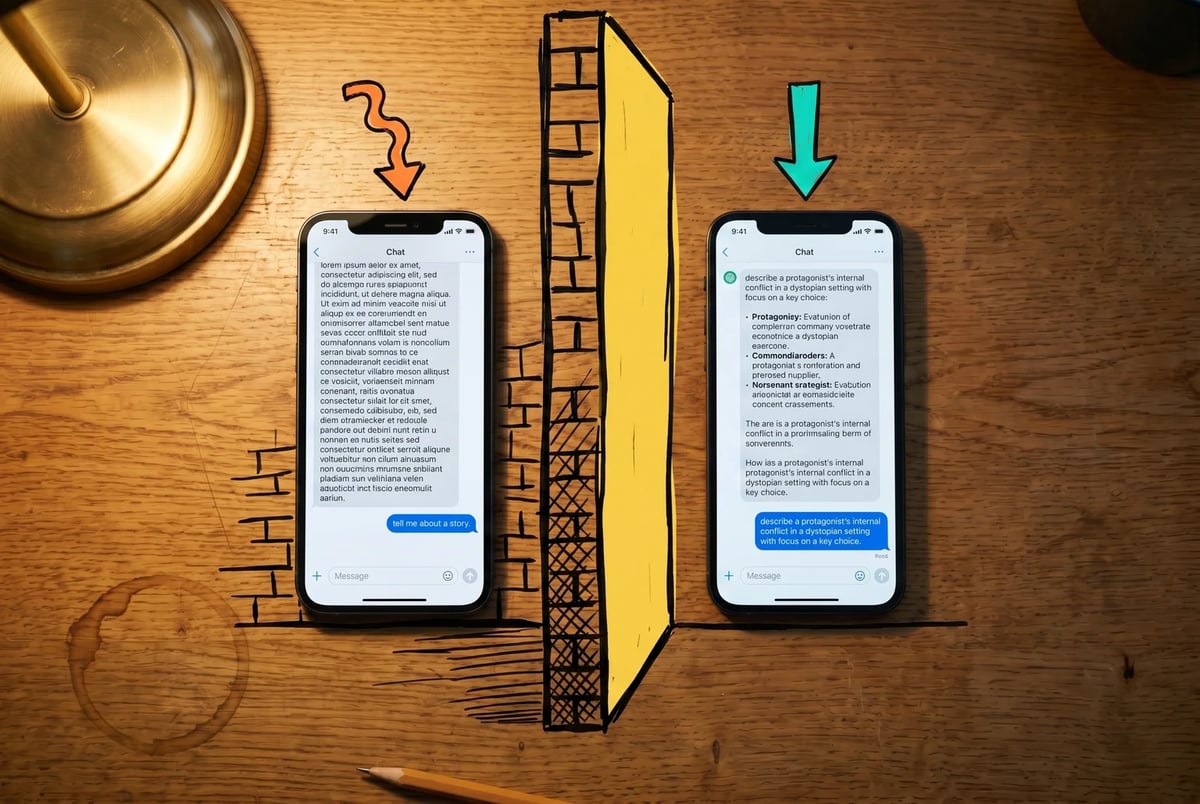
That’s the core problem with how most people approach ChatGPT marketing prompts: they treat the model like a search engine you can write full sentences to, rather than a collaborator that needs a real brief. A brief with role, context, constraints, and a specific output format. The difference in output quality between “write me a campaign concept” and a prompt that specifies the audience segment, the product’s differentiator, the competitive context, and the desired tone is not marginal. It’s the difference between something you delete and something you actually use.
This guide gives you the specific prompts and workflows that produce consistent, usable marketing output, across seven common tasks. It also names exactly where ChatGPT runs out of runway, because it does, and knowing the ceiling matters as much as knowing the floor.
No warmup. No taxonomy of everything AI can theoretically do. Just the prompts, what good output looks like, and where to go when the tool can’t get you the rest of the way there.
Set up a project, or spend forever re-explaining yourself
Every prompt in the next section will work better if you do one thing first: create a ChatGPT Project and load your brand context into it.
ChatGPT Projects are dedicated workspaces where your instructions, uploaded files, and chat history persist across sessions. That means you stop re-explaining who you are every time you open a new chat. The model already knows your tone, your audience, your positioning, and your competitors before you type a single word of your actual prompt.
Without this, even well-constructed prompts will produce output that’s competent but unrecognizable. Generic company, generic product, generic customer. With it, the same prompt produces something that sounds like it came from someone who actually knows your business.
Here’s what to load in. You don’t need a brand bible, just enough to constrain the model:
- Your brand voice in plain terms. Not “we’re professional but approachable.” Something more specific: sentence length, words you avoid, how you handle humor, what you don’t do. Two or three good examples of copy you’ve actually published are worth more than a paragraph of adjectives.
- Your ICP. Who your buyer is, what they’re trying to accomplish, what they’re anxious about, and how they describe their problem in their own words (not your words).
- Your positioning. What you do, who it’s for, what makes it different from the two or three alternatives your buyer might consider instead.
- Your competitors. Name them. Briefly describe how you’re different from each. This pays off immediately in the competitive positioning and campaign concept workflows.

The setup takes maybe 30 to 45 minutes once, and you never have to do it again unless something material changes. Every chat you start inside that Project inherits the full context automatically. OpenAI’s documentation confirms that project-level instructions override global custom instructions, so if you have defaults set elsewhere, the Project takes precedence.
One note: Projects require ChatGPT Plus or Team. If you’re on the free plan, you can still use the prompts below, but you’ll need to paste a condensed version of your brand context at the top of each conversation. It works, it’s just slower.
For a full walkthrough of how to set this up, including how to structure your ICP doc and what a good brand voice brief actually contains, our AI marketing setup guide covers it in detail. (If you don’t have a brand voice document at all yet, the Brand Voice Generator in mOS is a reasonable starting point.)
With that in place, here’s where it gets useful.
7 ChatGPT marketing prompts worth copying
These workflows assume your ChatGPT Project is loaded with brand context. If it isn’t, go back to the previous section. The prompts will still run without it, but the output will be generic enough to be nearly useless.
Competitive positioning
Use this when you need to sharpen how you’re different from a specific competitor in language a buyer would actually recognize.
"I'm writing positioning copy for [your company]. Our main competitor for this deal is [competitor name]. Our buyer is [ICP description]. Write three positioning statements that explain why [your company] is the better fit for this buyer, using the specific differences I've loaded into this project. Avoid vague claims. Ground each statement in a concrete capability or tradeoff."Good output names a real tradeoff (“X does Y well, but that requires Z, which most [ICP] can’t support”) rather than producing a bland “we’re faster and more affordable” summary.
Campaign concept generation
Use this when you need distinct creative directions before committing to one.
"We're launching [product/feature/offer] to [ICP]. Generate five distinct campaign concepts. For each concept, give it a name, describe the core message in one sentence, suggest a lead format (ad, email, landing page, video), and explain what emotional or functional need it's addressing. Make the concepts meaningfully different from each other, not variations on the same angle."Good output produces concepts that differ in emotional register and strategic angle, not five ways to say “save time and money.”
Audience research synthesis
Use this when you have raw qualitative data (reviews, survey responses, interview notes) and need to find the signal.
"Here are [X] customer reviews / survey responses / interview quotes from [ICP description]. Identify the three to five most repeated emotional themes. For each theme, pull two or three direct quotes that illustrate it clearly. Then flag any language patterns that appear frequently enough to use verbatim in copy."Good output surfaces phrases your customers actually use, which you can drop directly into headlines, subject lines, and ad copy.

Email subject line testing
Use this to generate a spread of subject line approaches before running an A/B test.
"Write 10 subject lines for an email to [ICP] promoting [offer/content/announcement]. Include at least two curiosity-gap lines, two direct benefit lines, two that use the buyer's language from this project, and two that take an unexpected or counterintuitive angle. Keep all under 50 characters where possible."Good output gives you lines different enough to actually test, not ten variations of the same opener.
Social content batching
Use this when you need a week of posts from a single piece of content. Our AI marketing guide covers the broader system if you want to build this into a repeatable process, and the post remixer handles this exact blog-to-social transformation in one click if you’d rather skip writing the prompt.
"Here is a [blog post / interview / report] about [topic]. Create seven social posts for [platform]. Each post should pull a different angle, insight, or moment from the source. Vary the format: some can be a single observation, some a short list, some a question. Write in the brand voice from this project."Good output doesn’t just summarize the source seven times. Each post should feel self-contained.
Blog brief generation
Use this before writing, not instead of writing.
"Create a blog brief for a post targeting [keyword or topic]. Include: target reader, search intent, recommended H1, three to five H2s with one-sentence descriptions, suggested word count, one key argument the post should make, and two or three related topics to link to internally."Good output is specific enough that any writer could execute it consistently. (Our blog post generator runs this same brief-then-draft flow for you with the brand-voice context already loaded.)
Content repurposing
Use this when you have an existing long-form asset and want to extend its reach without starting from scratch.
"Here is a [blog post / webinar transcript / case study]. Identify the five strongest standalone ideas in it. For each one, write a short-form version suited to [platform], a proposed email subject line that could tease it, and a one-line pitch for why this idea would resonate with [ICP]."Good output reads like a genuine editorial decision, not a mechanical slice-and-dice of the original.
The part the prompt can’t fix
The workflows above will take you a long way. But there are three places where better prompts stop being the answer, and it’s worth knowing where those walls are before you run into them.
Live competitive data doesn’t exist inside ChatGPT.
The model has a knowledge cutoff, and even with browsing enabled, that cutoff behavior is inconsistent across sessions. Ask it what keywords a competitor is ranking for right now, what their latest campaign looks like, or where search volume for your category is trending, and you’ll get something that sounds plausible but may be months out of date. The practical failure mode: you’re prepping for a competitive review, you ask ChatGPT to summarize where a rival stands, and it gives you a confident answer based on a product page that’s since been completely repositioned. You don’t know it’s stale until someone in the meeting does.
Brand voice drifts, especially in long outputs.
Load your voice guide into a Project, and ChatGPT will follow it reasonably well for the first several hundred words. Push past that into a long-form draft, or open a new session without re-injecting context, and the context fatigue kicks in. The writing doesn’t suddenly become bad. It just becomes generic. The specific rhythm, the particular way your brand handles a counterargument, the sentence-level choices that make your content recognizable: those erode. You end up with output that’s technically fine but could have come from anyone. For a single email, this rarely matters. For a 2,000-word piece, you’ll edit it back into shape and wonder why.
It waits for you.
ChatGPT responds to prompts. It doesn’t initiate, sequence, or hand off. If your workflow is “research, brief, draft, repurpose,” you have to drive every step manually, copy output between stages, and re-orient the model each time. That’s not a bug in how you’re using it. It’s just what the tool is. A turn-by-turn assistant is genuinely useful for discrete tasks, but it can’t run a campaign workflow the way a system built around connected steps can.
These aren’t reasons to use ChatGPT less. They’re reasons to know what it’s for. The prompts in this guide cover the tasks where it’s genuinely strong. For the gaps, particularly live research and multi-step workflow coordination, a different kind of tool is doing a different kind of job. That’s what the next section covers.
When you’ve hit the ceiling, here’s the floor
The three gaps in the previous section aren’t fixable with a better prompt. Live competitive data, consistent brand voice across long workflows, and autonomous multi-step execution are architectural limitations, not prompt problems.
That’s where our mOS Marketing Assistant picks up. It’s built specifically for the work ChatGPT can’t sustain: pulling live research into your workflows, maintaining context across connected steps, and running sequences without you manually driving every handoff. The free tier is a reasonable place to start, particularly if you’ve already hit the wall on competitive research or found yourself re-orienting ChatGPT at every stage of a campaign build.
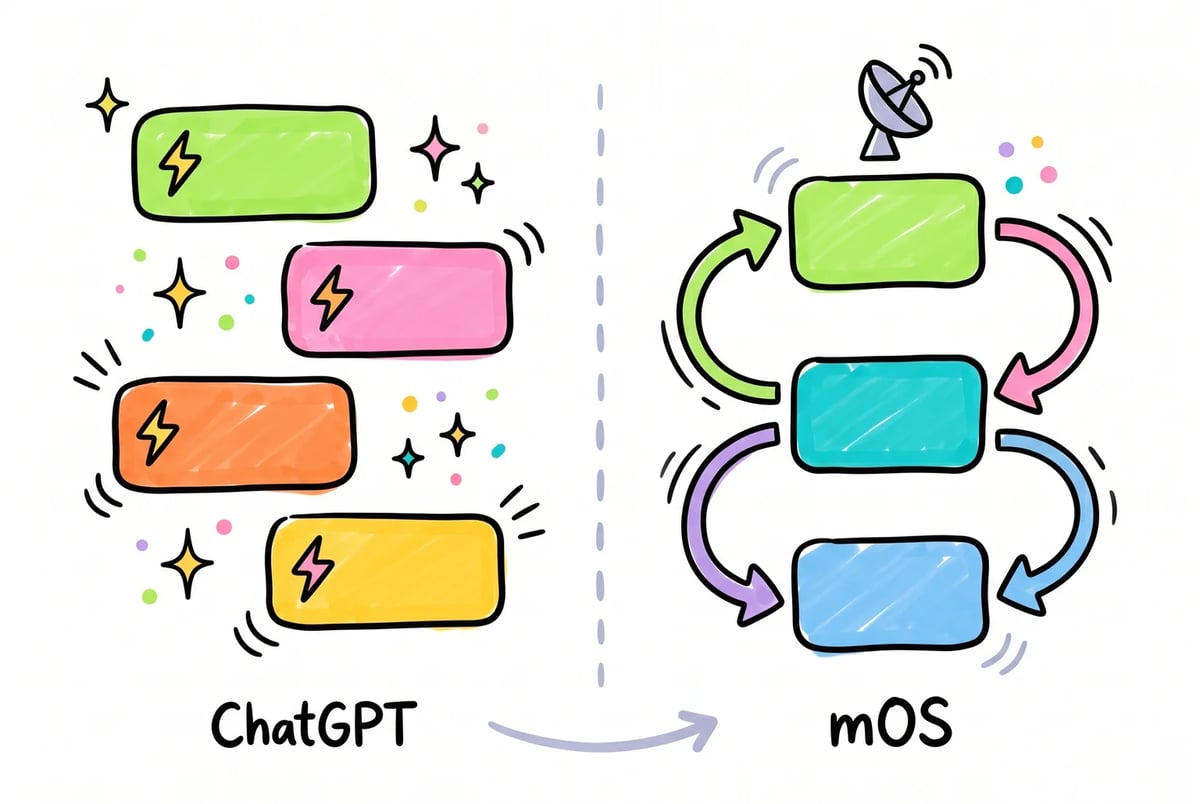
The two tools do different jobs. ChatGPT is fast and flexible for discrete tasks, especially the prompt-driven workflows in this guide. mOS is better suited to the work that needs to run as a system rather than as a series of individual conversations.
If SEO is part of your marketing workflow, our guide on using AI for SEO covers where the same logic applies: ChatGPT handles the writing-side tasks well, but keyword research, ranking data, and on-page recommendations benefit from tools that can actually read what’s happening in search right now.
The practical note to end on: none of this requires switching tools or rebuilding your workflow from scratch. Run the prompts in this guide inside ChatGPT Projects, get consistent output on the tasks it’s genuinely good at, and reach for mOS when a task needs live data or connected steps. That’s it. The ceiling ChatGPT hits is real, but it’s high enough that most of your day-to-day marketing work fits comfortably underneath it.
Sources
- Why Sellers Are Frustrated With ChatGPT — LeadIQ (blog)
- The Limitations of ChatGPT in Marketing (and How Averi Solves Them) — Averi.ai (blog)
- How to Instantly Fix ChatGPT Content That Fails at Content Marketing — Haywood Digital Marketing (blog)
- Why ChatGPT Marketing Advice Sounds Generic — Ojoy.ai (blog)
- X post: research on prompt quality/model potential (social post) — X (social post)
- ChatGPT Prompts That Actually Work — Dataslayer.ai (blog)
- ChatGPT Prompts for Marketing & Focus — Alex Berman (blog)
- RACE Model: ChatGPT Prompts — Clickforest (blog)
- ChatGPT Prompt Frameworks — InMotion Marketing (blog)
- ChatGPT Prompt Frameworks — ButterCMS (blog)
- Understanding ChatGPT — How to Optimise Prompts for Better Results — Studio2Marketing (blog)
- ChatGPT Market Research Prompts — CascadedM (blog)
- X post (2041501666839499077) — marketer complaints about generic ChatGPT output — X (social post)
- X post (2043327790943244438) — examples of poor ChatGPT marketing outputs — X (social post)
- X post (2041944234425540964) — discussion on prompt/context importance — X (social post)
- Projects in ChatGPT — OpenAI Help Center
- YouTube video: (K3pDlxwBDSI) — YouTube
- YouTube video: (dP81rPY3OSs) — YouTube
- ChatGPT Projects — secret ways to use O1 and GPTs (review) — Your Everyday AI
- Configuring ChatGPT custom instructions to enhance business workflows — ITU Online
- YouTube: Business growth tutorial (example: Eco Nest Organizing) — YouTube
- ChatGPT Brand Voice — TripleWhale
- Use ChatGPT to define & amplify brand voice — BizHack
- Build a custom GPT for your brand — CXL
- X status 2042596712775106716 — X
- How to train ChatGPT with your brand voice — Anyword
- Knowledge Cutoff and ChatGPT: How to Determine the Actual Cutoff — eDiscovery Today
- Why Does ChatGPT Get Its Cut-Off Date Wrong? — Juma.ai (blog)
- GPT‑4 Turbo knowledge cutoff issues (community thread) — OpenAI Community
- Knowledge cutoff dates in LLMs and … — Aparna Somaiah (Substack)
- Knowledge cutoff (Wikipedia) — Wikipedia
- Anthropic vs OpenAI: Which AI Better Understands Your Brand Voice — Lil Big Things
- ChatGPT Context Fatigue (brand voice issues) — Hornsby Creative Group
- AI Content That Doesn’t Sound Like AI — The Brand Voice System — Averi.ai
- Train ChatGPT to Match Your Brand Voice — AtomWriter (blog)
- ChatGPT Digital Marketing Guide — fiftyfiveandfive
- Use Chat‑GPT for Sales and Marketing Strategies — Landbot (blog)
- Scaling Content Without Losing Your Brand Voice — Linguistic Fingerprint Audit — NetRanks.ai (blog)
- X post: comparative claim about voice retention (tweet) — X (formerly Twitter)