The Marketing Operating System for Your Business









Stop Trading Your Time for Money

Easily delegate tasks

Accelerate training and onboarding

Offer new high-ticket services

Build repeatable systems that make money on autopilot
A Smarter Way to Grow Your Business
Master new marketing channels
Power up your in-house marketing efforts
Save time and resources

Automate and scale your processes
Power Up Your Marketing Campaigns
Go from beginner to world-class marketer in no time
Incorporate new marketing channels
Deliver… and overdeliver
Forget about micromanaging
Imagine installing a chief operating officer into your business with one click.
50,000+ marketers and counting use ClickMinded SOPs & online courses to quickly train up their teams and implement the most common digital marketing processes into their businesses.
What is the Marketing Operating System (mOS)?
It includes two important components: SOPs and online courses.
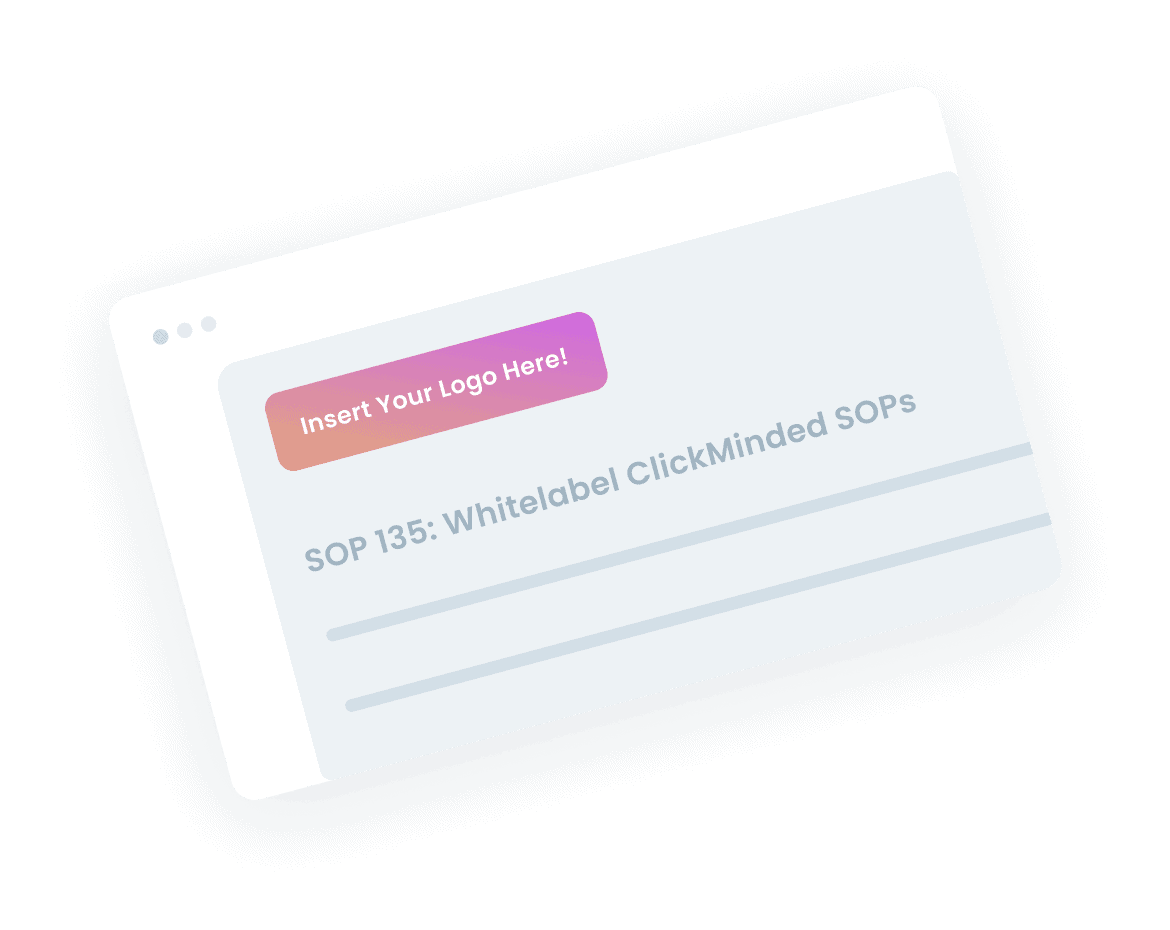
Extremely Detailed SOPs and Templates
World-Class Online Training Courses
Help Your Team Massively Scale Revenue, Without You
Scaling up your marketing knowledge? Start with Courses
Scaling up everything? Start with the Marketing Operating System
(SOPs + Courses)
50,000+ people use ClickMinded to power their marketing operations and scale up revenue

Choose Your ClickMinded Plan

14 Day Risk-Free Money-Back Guarantee
Frequently Asked Questions
ClickMinded is a massive library of world-class digital marketing courses and white-label documentation also known as SOPs – standard operating procedures.
It’s designed to teach you how to massively increase traffic and sales for any website as quickly as possible, while also training up your team and outsourcing repeatable work and processes.
ClickMinded courses are entry level to intermediate comprehension.
ClickMinded SOPs and documentation range from entry-level to advanced.
The courses are designed to gives folks a fundamental understanding of each category, and get you up to an intermediate understanding as quickly as possible.
The SOPs are designed to systemize and delegate digital marketing tasks, ranging from basic to extremely complicated.
Both the courses and SOPs include step-by-step walkthroughs are split up in a way so that the introductory content can be easily skipped if needed.
None. You can learn everything in these courses and SOPs through other people’s blog posts, forums and your own trial-and-error.
There is absolutely nothing secret here and you can absolutely teach yourself digital marketing and learn it all on your own.
ClickMinded is designed to make learning digital marketing easier and faster.
We’ve made it as easy and fast to learn as possible, but we won’t be teaching you anything you can’t learn on your own with enough time invested.
Any product that includes “lifetime access” will grant you with unlimited lifetime access and free updates for life.
Yes. Anytime we push out an update to a course or SOP, that’s included. For free. You’ll get that automatically. Forever.
Actually, this happens all the time. That’s why each course includes unlimited lifetime access, and free updates for life. If there is a change to a process covered in an SOP, you’ll also get the updated version of the SOPs and templates.
SOP stands for Standard Operating Procedure. It’s just a fancy way to describe a very comprehensive checklist. We found ourselves constantly doing the same repetitive digital marketing tasks over and over again, so we decided to build out a massive library of checklists, to help our team members execute on their work flawlessly.
It turned out that a lot of folks wanted access to this library, so we turned it into a product.
SOPs have become an extremely popular way to scale a business, because you’re turning human effort into a repeatable process and reducing 99% of errors along the way.
When you purchase an SOP from ClickMinded, you’re getting access to the same operations manual that we use ourselves every day.
You absolutely do not need ClickMinded SOPs. You can definitely create them on your own. When you join ClickMinded, you’re saving time.
If that’s not important to you, then we do not recommend you sign up.
“White-Label” means we do the work, and you get the credit.
You can use our documentation, take our logo off, put your logo on, and share it with your private, 1-on-1 clients.
You can not use it with large communities, online courses, large email lists or as a free downloadable.
You’re allowed to:
- Give SOPs to your private 1-on-1 clients
- Make changes to SOPs, remove our logo, add your logo and modify anything else you need to change
- Request new SOPs from us. If it makes sense for our community, we’ll create them for you
You’re not allowed to:
- Sell ClickMinded SOPs
- Make ClickMinded SOPs public on your site as content or as a downloadable
- Offer ClickMinded SOPs to a large group (email lists, Facebook groups, Slack or Discord channels, courses)
- Give away ClickMinded SOPs to leads, prospects or non-paying clients
- Make small changes and re-purpose them as your own for anyone that isn’t a private client
Yes! We love and encourage our users to request the creation of specific SOPs.
If it makes sense for the rest of our community, we’ll add it to our backlog and create it.
ClickMinded courses are designed to be extremely actionable. With more than 50,000 folks enrolled into our products, we cover only as much theory as necessary before diving into actionable advice to get you results quickly.
Each course ranges from 3-6 hours long, and they’ve been cut up into small, digestible and organized segments, so that you can easily refer back to specific lessons when you have questions.
ClickMinded is a completely self-paced online course – you decide when you start and when you finish. The course includes unlimited lifetime access as well. Once you enroll, you’ll never lose access to the content, and can refer back to it as much as you’d like.
Each course includes a certification. Finish the course, pass the final exam and you’ll earn your certification.
No.
Certification is not required for this industry. The best people in the game don’t have certifications, and for many people, you simply don’t need one.
With that said, some people like to show future recruiters and clients that they (or their staff) have taken and earned a certification.
We’ve also received feedback that many employers won’t expense the training without some type of evidence the student has completed the course. We got so many requests from our users for this, that we decided to add it.
Yes. The platform is 100% responsive and works on all mobile devices.
Yes! We can put your company name, address and VAT number on the invoice. Just reply back to your welcome email asking for a VAT invoice, include your company information and we’ll send it right over.
Make sure to check with an accountant, CPA, or tax professional who’s qualified to give advice based on your specific situation, however most of the users we survey end up expensing ClickMinded, because it’s a relevant expense for their work or business (even so – this is not financial advice).
All courses and SOP products include a 14-day money-back guarantee.
None. Your results are not guaranteed.
We offer no guarantee that you will get specific results, or earn any money, by following the ideas in these materials. Nothing on this website is to be interpreted as a promise or guarantee. Your level of success in attaining any results depends on several factors, such as your background, education, motivation, commitment, business model, actions and market forces beyond our control.
Please read our earnings disclaimer for more detail.
Great! Contact us so that we can find a way to help.